
Housekeeping Management
Housekeeping at your fingertips
The Chexta Housekeeping Management module digitalizes cleaning processes, allowing you to manage room status tracking, task assignments, and staff supervision from a single panel. Instantly see which rooms are clean and which are awaiting inspection, and automatically assign tasks to the relevant staff.
Thanks to its user-friendly interface and mobile access, your housekeeping staff work more efficiently, cleaning errors are reduced, and guest satisfaction increases. All operations are under control—faster and more organized.
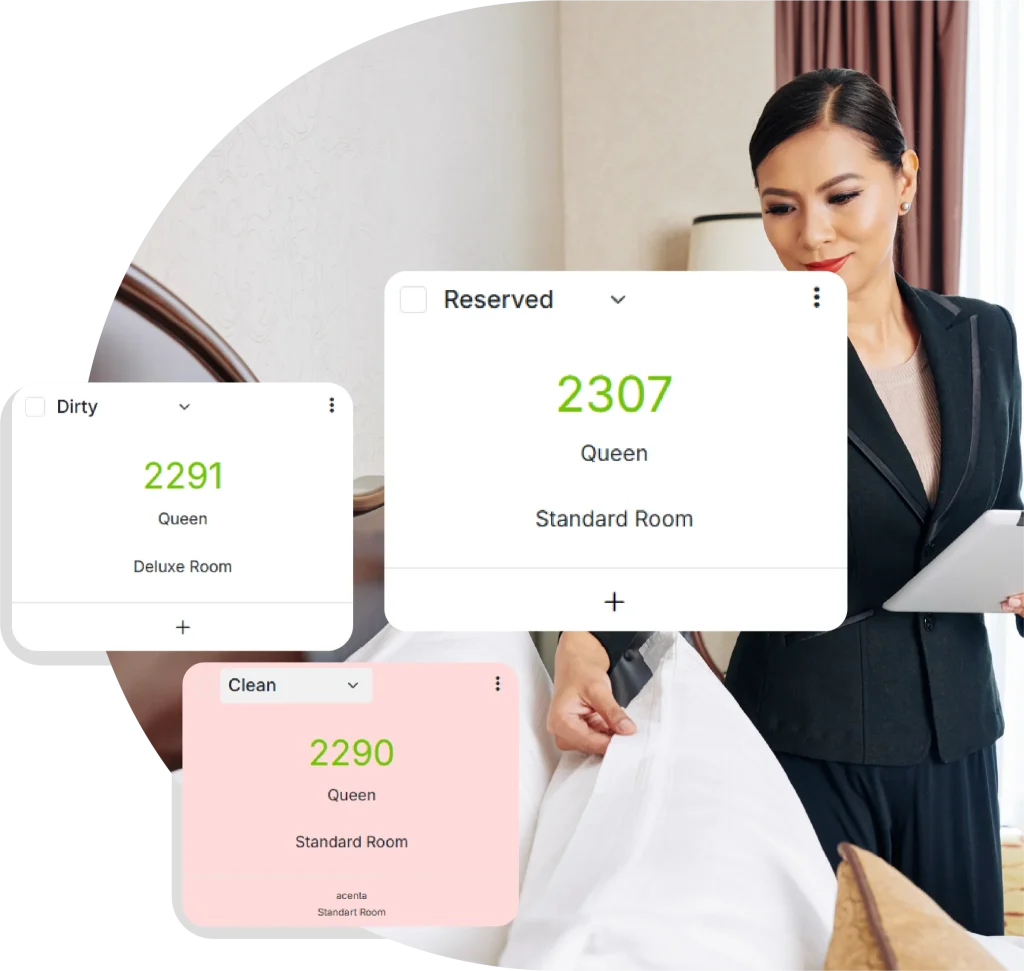
Work is easy, rooms are clean.
Her an erişilebilir
Temizlik görevlerini birkaç tıkla oluşturun, kat görevlilerine anında iletin. Kullanıcı dostu arayüz sayesinde işlemler hızlanır, zaman kaybı ortadan kalkar.
Hızla müdahale edin
Oda temizlik durumları anlık olarak güncellenir. Hangi odanın hazır, kirli veya kontrol beklediğini eş zamanlı takip ederek misafir taleplerine hızla yanıt verin.
Analiz Araçları
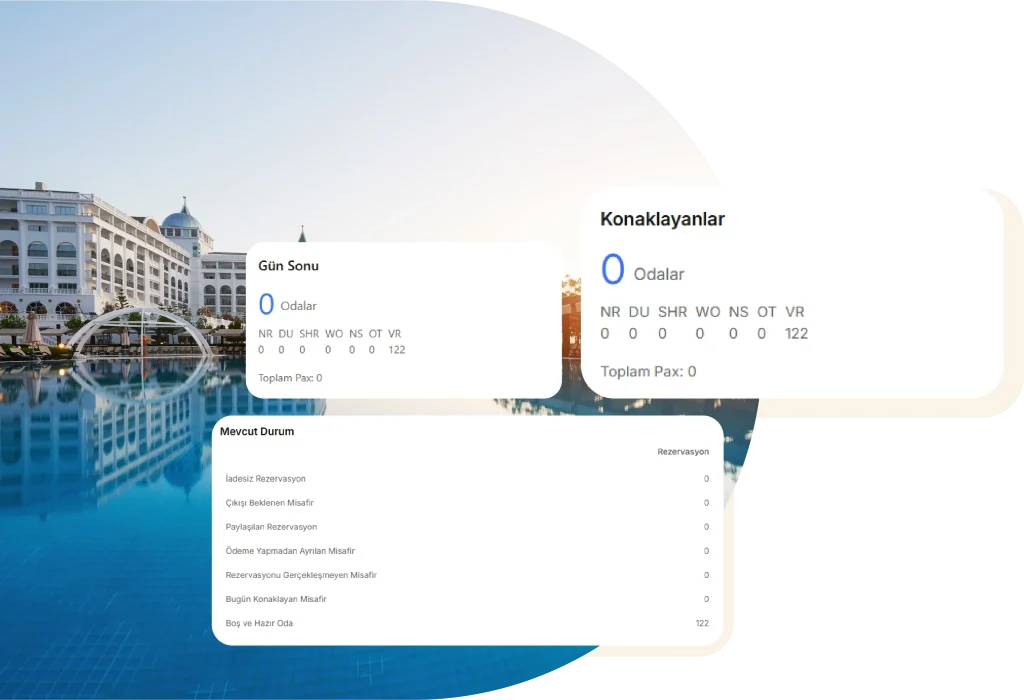
Temizlik süreleri, personel performansı ve görev dağılımı gibi tüm veriler detaylı raporlarla sunulur. Böylece operasyonel verimliliğinizi ölçebilir ve iyileştirebilirsiniz.
Chexta users know very well that;
75%
Repetitive tasks are automated
88%
The proportion of reduced training periods
150+
It can integrate with any partner it chooses.
All control is in your hands
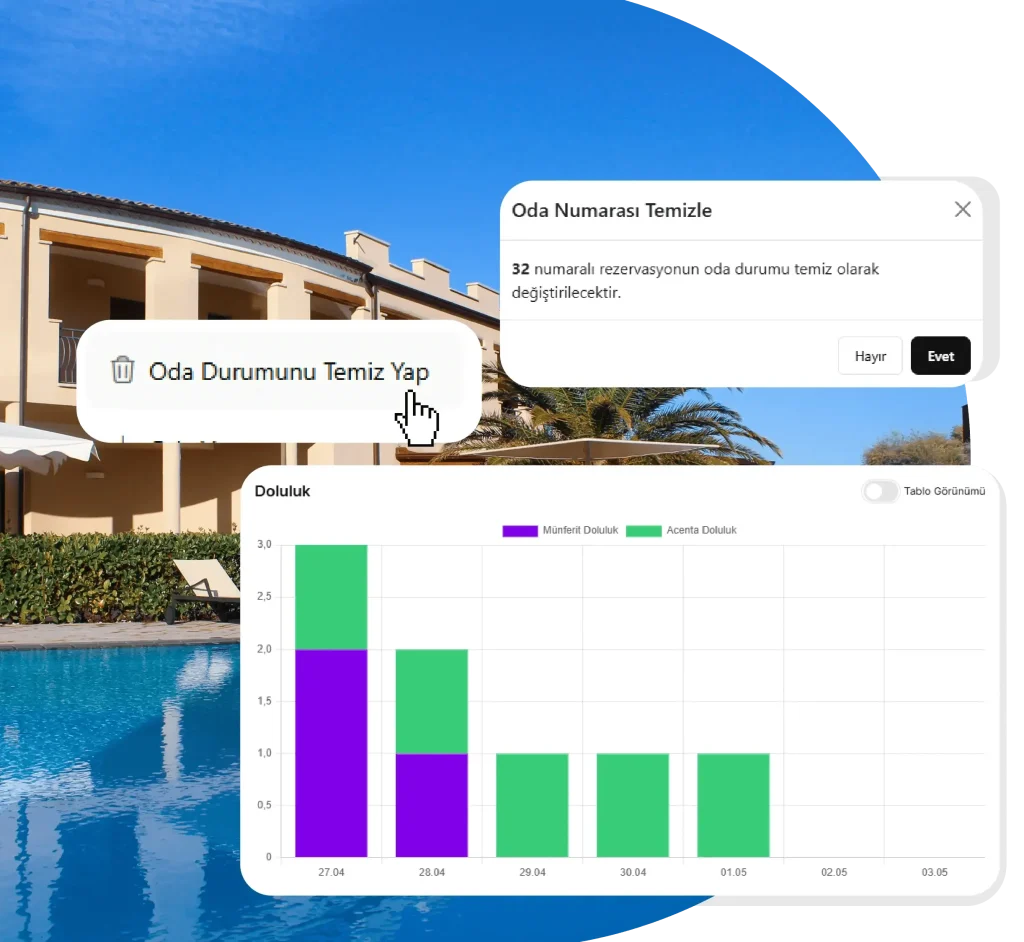
Your housekeeping staff’s cleaning activities are instantly reflected in the system. Track in real time which rooms have been cleaned, which are awaiting inspection, and which are ready. Say goodbye to handwritten lists and scattered communication channels. With Chexta, your cleaning processes are digitalized, staff efficiency increases, and room turnaround times are shortened.
You’re in control, the processes are on Chexta!
Manage Your Cleaning Processes Easily
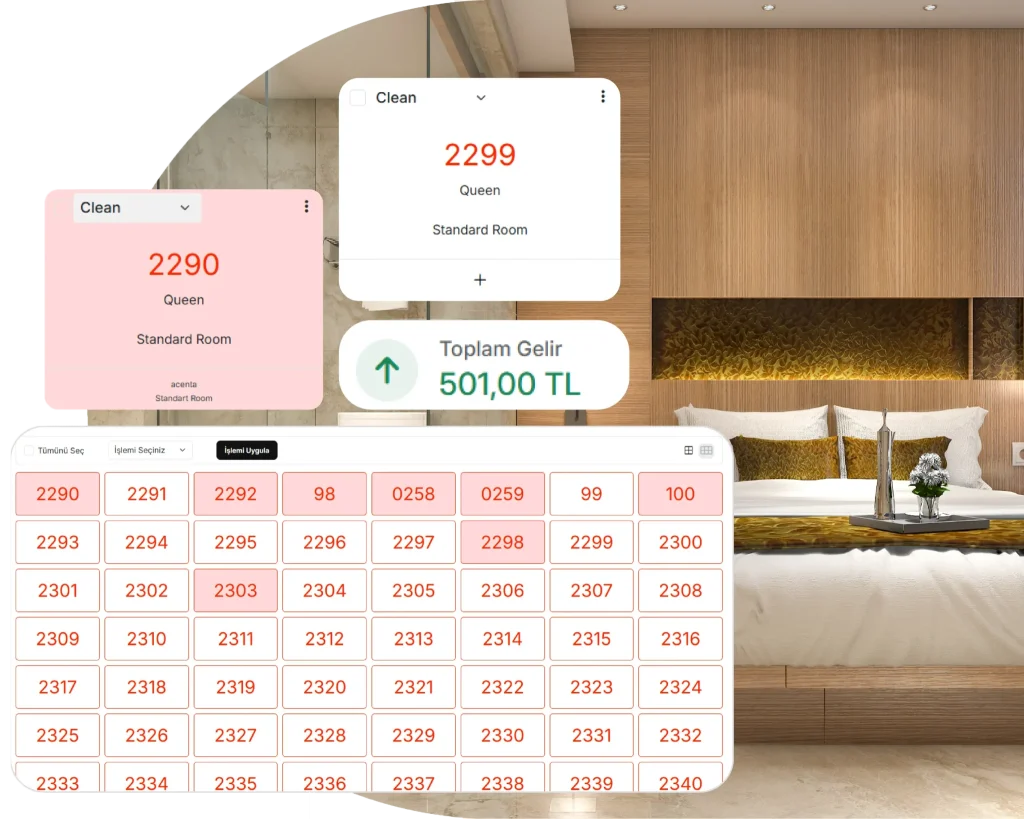
Bring all room cleaning operations together on a single screen and instantly assign tasks to housekeeping staff. Room statuses are updated in real time, and cleaning, inspection, and ready statuses are tracked automatically. With Chexta, your housekeeping processes become more planned, faster, and more efficient.
- Create cleaning tasks and assign them to staff
- Track room cleaning status in real time
- Monitor dirty / clean / awaiting inspection rooms
- Monitor housekeeping staff task statuses
- Task completion and delay time reports
- Instantly notify the front desk when a room becomes ready
Each module, tailored to you
Create and assign cleaning tasks
Cleaning history and detailed reporting
Update room statuses (dirty / clean)
Notify the front desk based on room status
Create daily task lists for housekeeping staff
Track staff task completion times
Post-cleaning room inspection step
Automatic notifications and reminders
More than a hotel management system. A new-generation operating model for hospitality.
Discover how a true hotel management system enables you to achieve your goals for your hotel.
Frequently Asked Questions
How is room cleaning status updated through Chexta?
Housekeeping staff can update the room status as “Dirty,” “Clean,” or “Awaiting Inspection” with a single tap from their mobile devices or floor screens. These statuses are instantly reflected at the front desk.
How are cleaning tasks assigned to staff?
Housekeeping managers can easily assign cleaning tasks to relevant staff by selecting specific rooms through the Chexta panel. Tasks are delivered to staff via the mobile application or on-screen notifications.
Can it be tracked when and by whom a room was cleaned?
Yes. Each room’s cleaning history, task completion time, and responsible staff member are recorded in detail within the system.
How are rooms inspected after cleaning?
Optionally, a “inspection” step can be added after cleaning. This allows managers to perform quality control once cleaning is completed and then set the room status to “ready.”
How is staff workload and performance monitored?
Each staff member’s daily task count, completion time, and delays can be reported through the system. This enables managers to balance workloads and measure efficiency.
How are cleaning or special requests entered into the system?
Urgent or special cleaning requests can be entered through the front desk or management screen and assigned as tasks. These tasks are marked as priority over others.